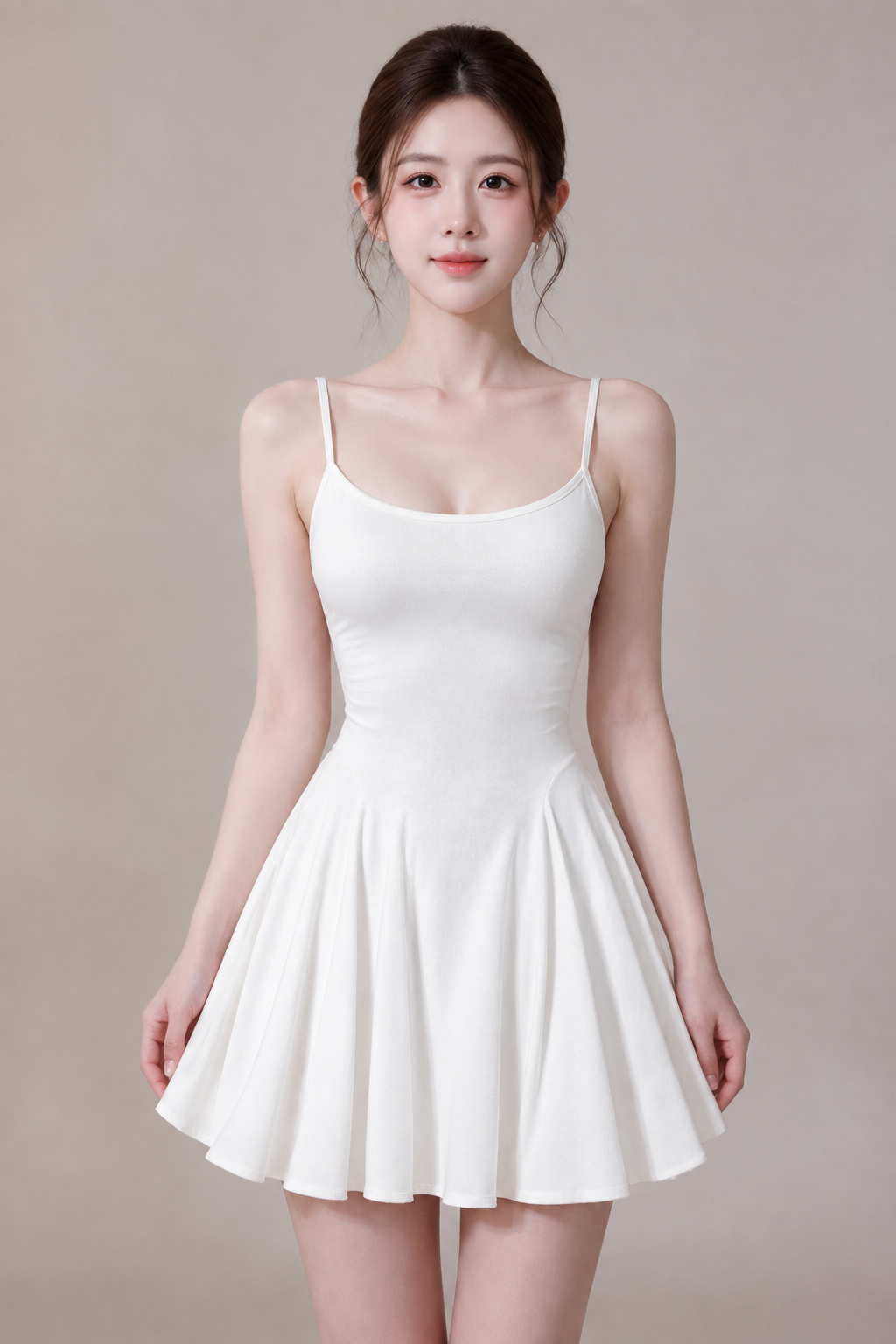
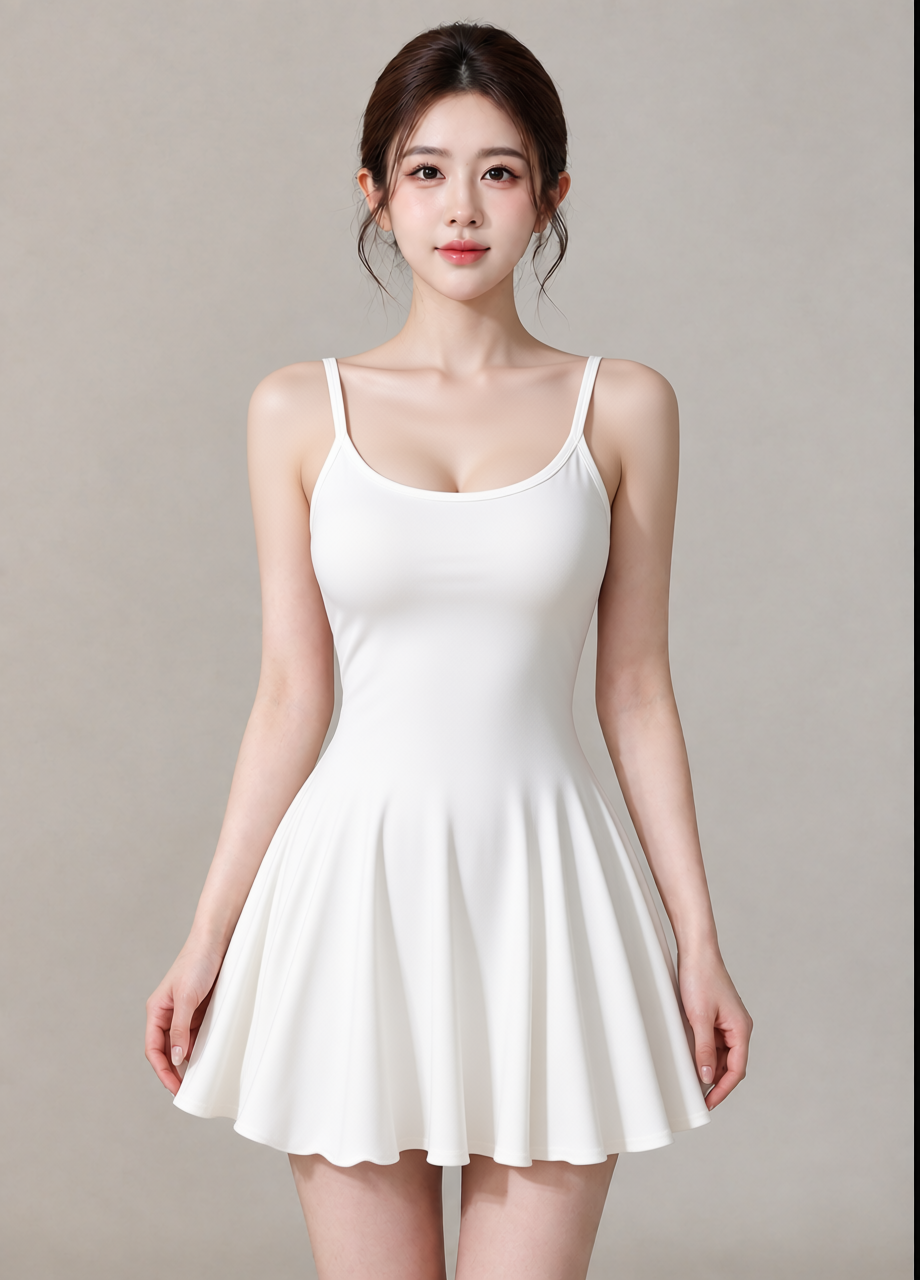
 OriginalResult
AI try-on
Put a garment from one photo onto a person in another. Pose and face stay the same.
Open AI try-on →Upload a photo of your product. SKUshot works out the selling points, then renders a main image and 4 to 10 detail images with English or Chinese copy on them.
Each detail image answers one buyer question, in the order a shopper scrolls.
Six single-purpose tools for the photos you already shot.
OriginalResult
Put a garment from one photo onto a person in another. Pose and face stay the same.
Open AI try-on →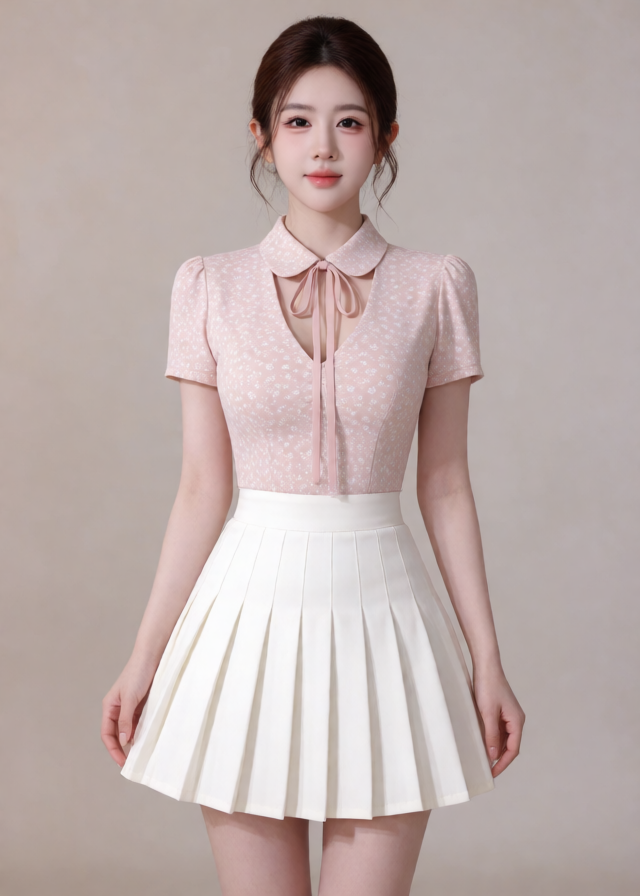
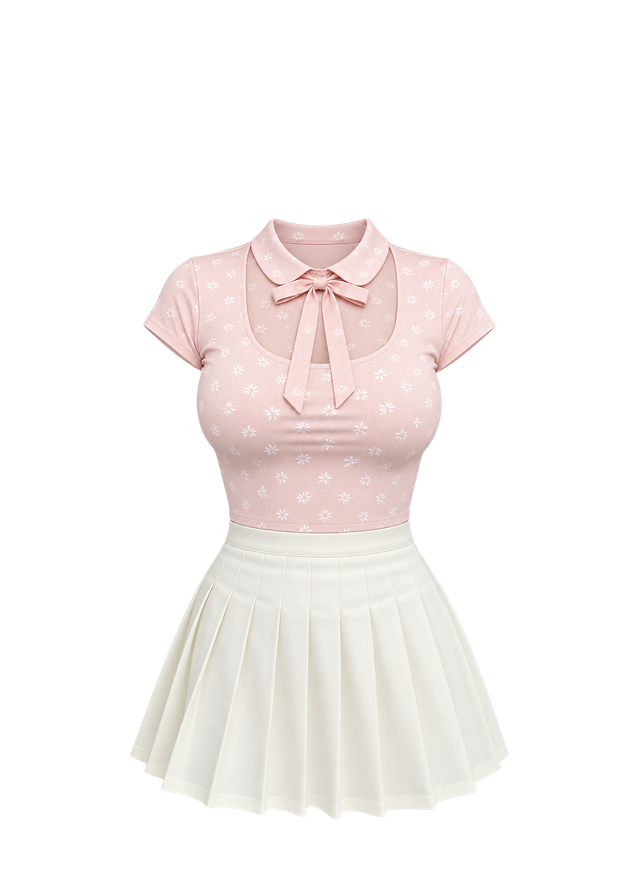
Turn an outfit photo into a flat-lay cut-out on a transparent background.
Open Garment extraction →One product photo, plus extra angles if you have them.
Pick the marketplace, main image or full set, and the copy language.
Preview each image and download them one by one or as a ZIP.
If an image fails to render, it is not charged.
Use the images in listings, ads and on your own store.
Selling points written in English or Chinese, set in the layout.
Purchased credits stay valid for 365 days.
A main image uses 1 credit. A main image plus 8 detail images uses 9. Credit packs are one-time purchases, valid for 365 days.
Yes. The images you generate are yours to use in marketplace listings, ads and your own store. You need the rights to the product photos you upload.
Credits are reserved when you start and settled when the images finish. Any image that fails to render is not charged.
No tool can guarantee it. The Amazon preset sets a 1:1 frame and asks for a pure white background with the product filling most of the frame. Check every image against your category's rules before you publish.
Tasks and their images are kept for 24 hours, then deleted automatically. Download what you need before then.
Claude plans the selling points and layout; GPT Image 2 renders the images.
Sign up with your email and start with your first product.